 For Apple Watch
jwatch
Your self-hosted music library, on your wrist. Stream or download from your own Jellyfin server — no iPhone required.
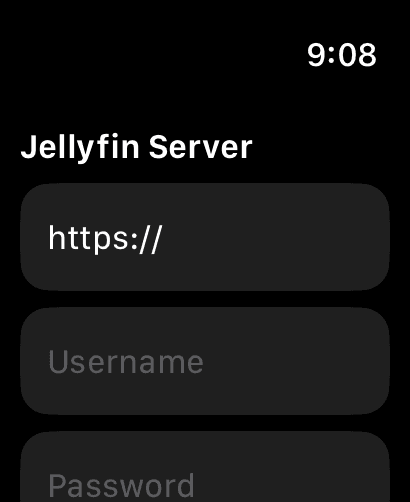
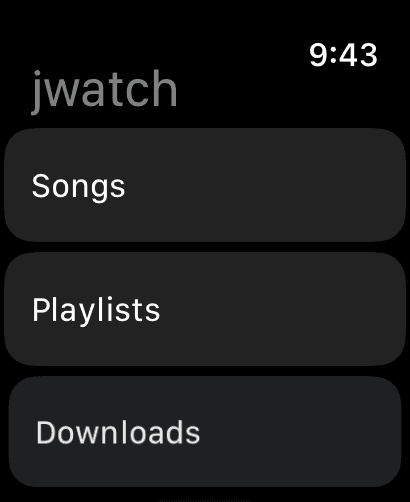
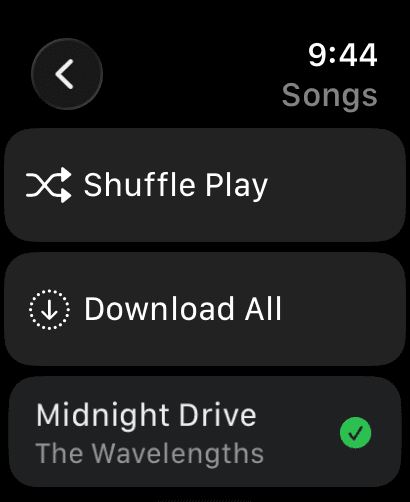
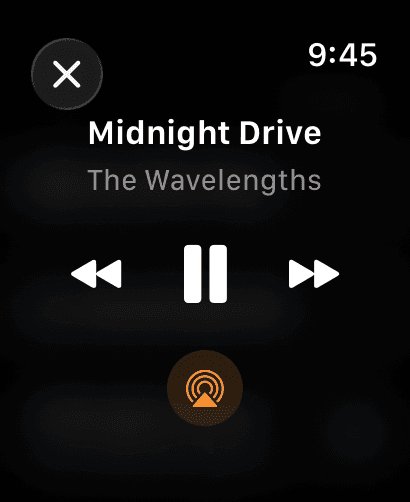
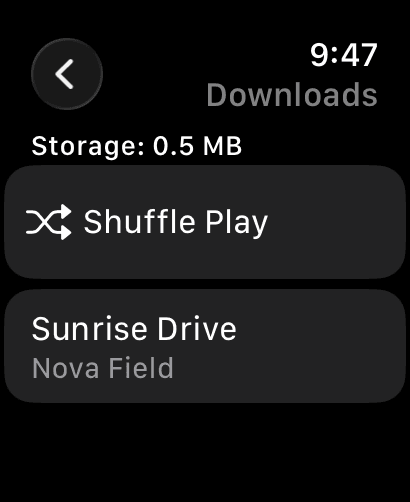
Everything you need on your wrist
Built to be fast, private, and fully at home with the way you already run Jellyfin.
Stream your library
Browse libraries, playlists, and songs from your own Jellyfin server, right from your wrist.
Works standalone
No iPhone required. Install directly to your Apple Watch and go — it runs entirely on its own.
Offline downloads
Download songs straight to your watch and play them back with no network at all — no phone, no Wi-Fi, no cellular.
Now Playing & Crown control
Native watchOS playback controls, AirPlay output, and Digital Crown for volume and scrubbing.
Your server, your data
Connects directly to your Jellyfin server. No accounts, no analytics, no tracking of any kind.
Home-server friendly
Works with self-signed HTTPS and plain HTTP, so it fits the way most self-hosted Jellyfin servers are actually run.
Free to use
Sign in and stream from your Jellyfin server at no cost. Want to take your music fully offline? Unlock downloads with a one-time in-app purchase — no subscription.
Need a hand getting set up?
The support page covers connecting to your server, offline downloads, and troubleshooting.